

UI and UX are two distinct facets of web design, yet they work hand-in-hand. While UI focuses on your design interface and how a user interacts with it, UX emphasizes a user’s experience as they use your product or service.
UI design tools give designers what they need to design accurate hi-fi wireframes, mockups, and prototypes and render minimally viable products. They represent the nuts and bolts of a design, communicating its functionality.
UX design tools focus on the user and how they’ll experience the content. These tools can help structure the information architecture, as well as how someone will flow through the experience. Since this is more conceptual, UX tools are about helping a designer paint the broader picture of how content and organization will affect experience.
We’re going to take a look at some UI and UX tools that you may find handy for your design process. Some of these tools have features that work in both UX or UI, but for the sake of your own user experience, we’ve divided the list into two categories
17 useful tools for UI/UX designers
In this list, the first 11 tools mentioned are great for UI design, while 12-17 are great for UX. Let’s dive into each one and learn how you can craft beautiful projects.
1. Sketch

If you have any UI design experience, you’ve heard of Sketch. And there are quite a few reasons why it’s one of the design tools that’s so revered.
Being able to make universal changes — whether it’s through their library of symbols, layer styles, or text styles, or its smooth resizing and alignment features — saves designers time to deliver consistent prototypes. It takes out what’s tedious and lets designers jump in and create. And with a multitude of third-party plugins that integrate without problems, there’s no shortage of tools out there that can be used with Sketch.
Popular read: From Sketch to Webflow: how to turn mockups into live websites
2. InVision Studio
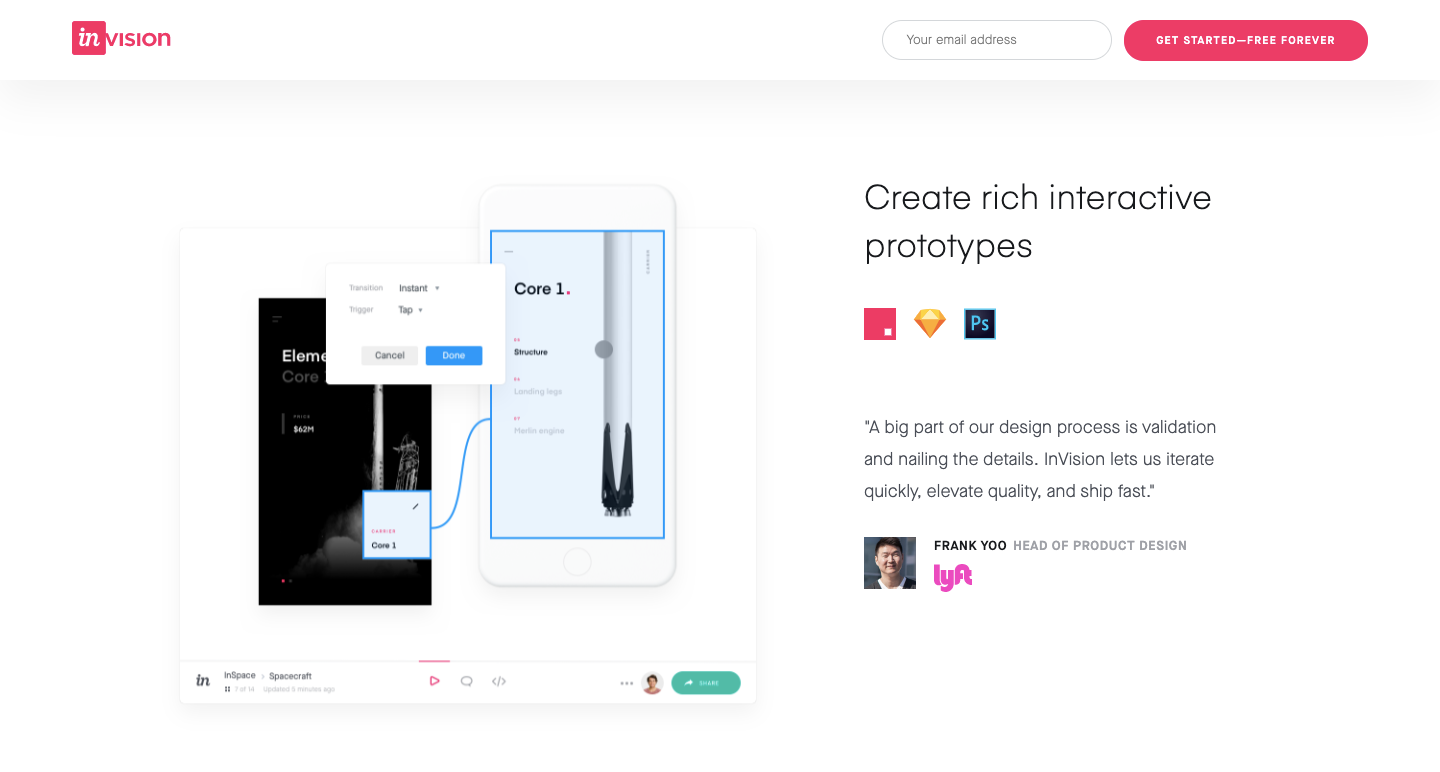
With a full suite of applications, InVision gives designers all of the UI design tools they need to create fully realized and functional prototypes with dynamic elements and animations.
Along with these easy-to-use UI design tools, they also make communication easy — with collaboration features that let developers share their work as they design it, receive feedback, and make documented changes at each step. Another useful aspect of InVision is the digital whiteboard that allows team members to get their ideas out there, interact, and get that all important sign-off before moving forward.
3. Axure

Axure functions in prototyping and keeping track of the workflow. It features a smooth interface to document as you go. High fidelity drives this app, resulting in prototypes full of details.
Axure offers many of the other features of popular prototyping and UI design tools. It allows for testing of functionality and puts everything together for an easy developer handoff. This, combined with an emphasis on communication, ensures that everyone on a project is kept up-to-date with progress and changes as they happen in real time, making Axure a solid choice for UI design.
4. Craft
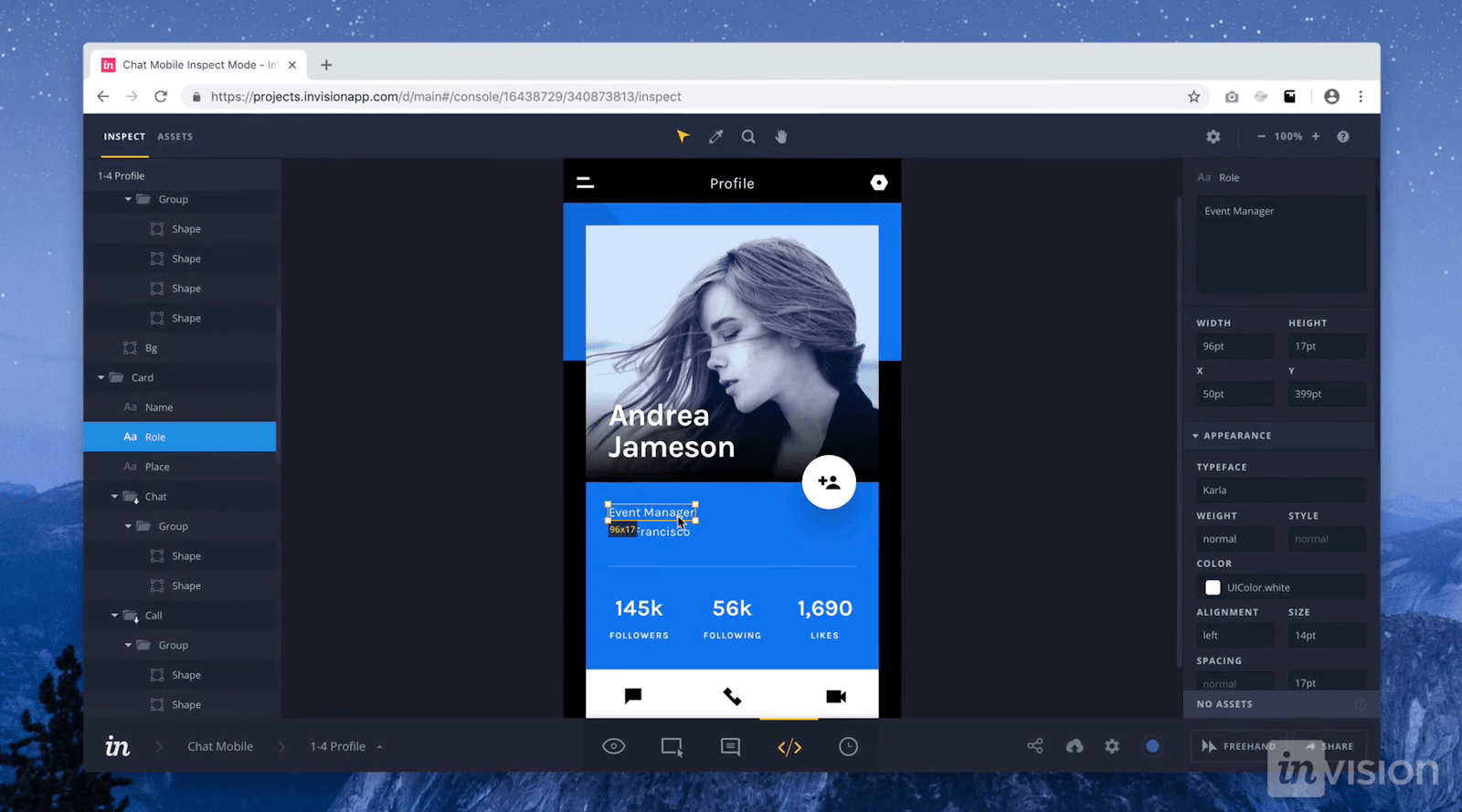
Craft, a plugin from InVision, works right alongside what you might be doing in Photoshop or Sketch, with a sync function that updates what you’re working on. Along with this time-saving feature, Craft offers everything you need for prototyping and collaboration. Changes in styling, edits, and other tweaks are updated across the board so that everyone is referring to and working from the same version of a project.
Craft sets itself apart from other UI design tools with its placeholder content. You get access to both Getty and iStock photos, letting you fill your layout with better visuals. And if there’s data in your layout, you can use your own or bring it in from other sources. Not many UI design tools let you fill your mockups with more meaningful content. This special feature of Craft gives your mockups a more accurate representation of what a final design might look like.
Related reads: The best Photoshop alternatives (free + paid)
5. Proto.io

In their own words, Proto.io says using their UI design software results in “Prototypes that feel real.” And Proto.io delivers on this, giving you what you need to create, organize, integrate, and test accurate mockups. It also smooths out the collaboration process, fostering communication between team members through comments and video feedback, as well as integrating with some of the more well-known testing products, like Lookback, Userlytics, and Validately.
6. Adobe XD
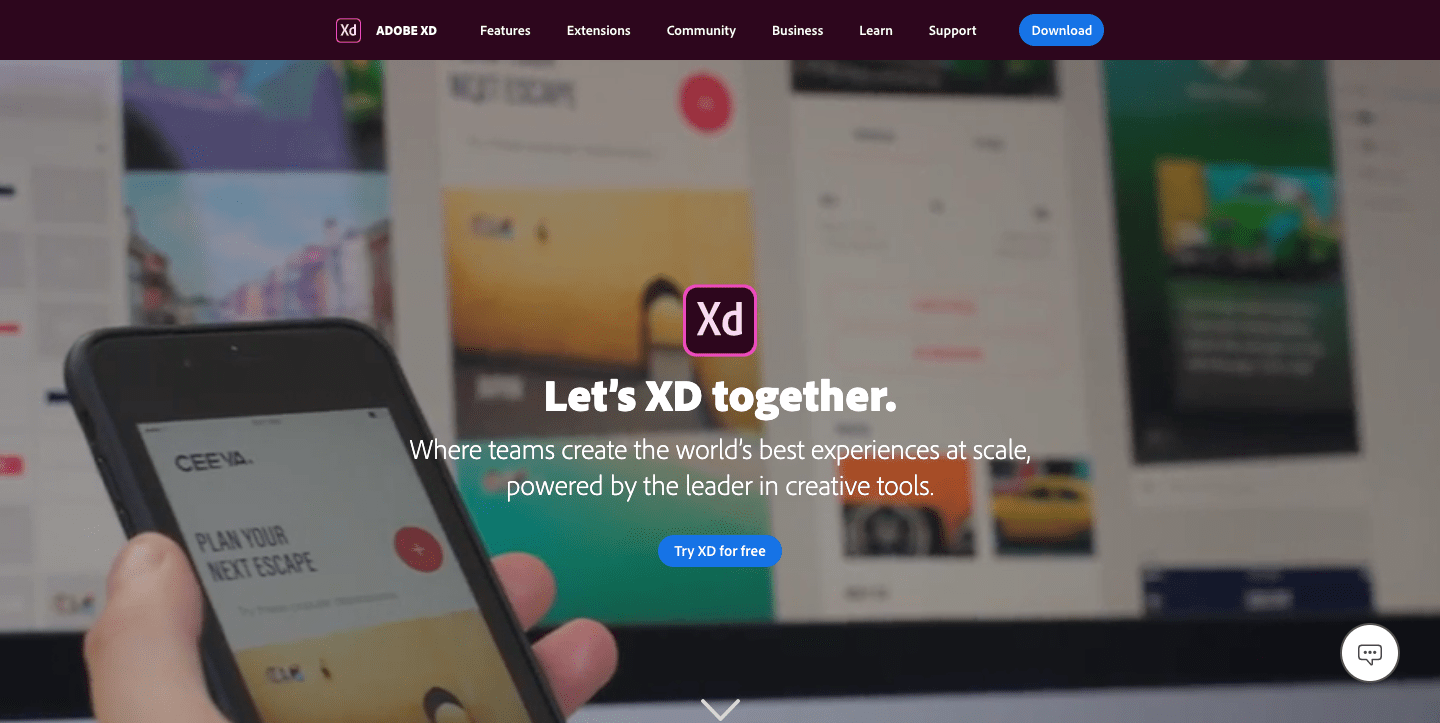
It’s hard to knock Adobe off of their status as royalty in design software — their kingdom of design products reigns in the creative cloud. Adobe XD offers vector-based user interface tools for creating prototypes and mockups with an interface that’s familiar to anyone who has used other Adobe products. This, along with real-time collaboration, makes it a go-to for many UI designers.
Adobe XD has many sophisticated tools for UI designers, but it is also stocked with what designers need to whip up interactions and other dynamic elements that can be integrated into prototypes or mockups. It’s one of the rare design platforms that can combine different disciplines together, without anything lacking.
Popular read: From Adobe XD to Webflow: how to turn your prototypes into live websites
7. Marvel

Whether you’ve been a UI designer for a while or if you’re just stepping into the role, Marvel’s design platform makes things easy. With the ability to create both low fidelity and hi-fi wireframes, interactive prototypes, and do user testing, it gives a UI designer everything they need — all wrapped into an intuitive interface. Marvel also has a feature called Handoff that gives developers all the HTML code and CSS styles they need to start building.
8. Figma

Figma lets designers build dynamic prototypes and mockups, test them for usability, and sync up all of the progress. Figma allows for a collaborative environment where multiple people can